
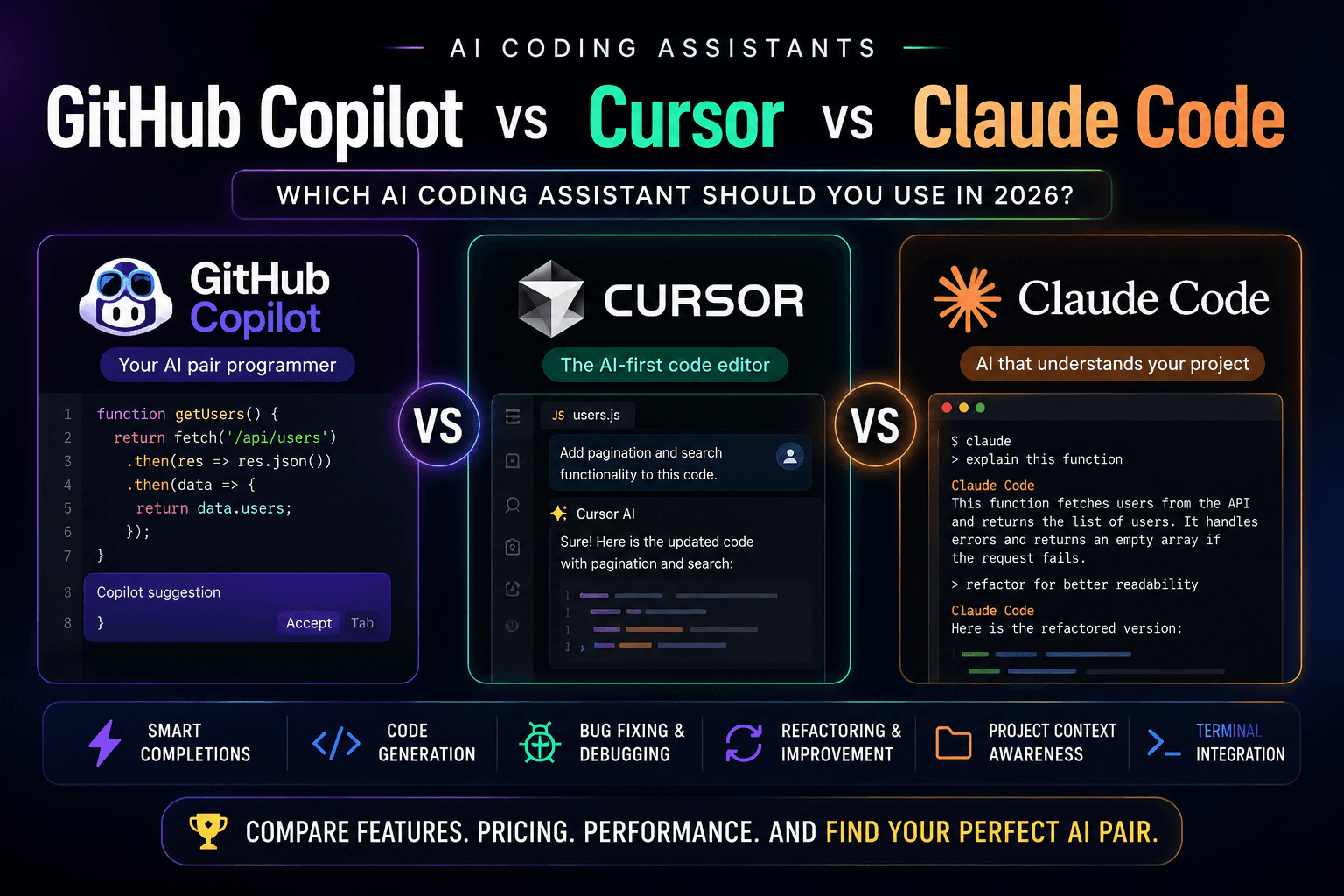
GitHub Copilot vs Cursor vs Claude Code: Which AI Coding Assistant Should You Use in 2026?
By iktushar01
GitHub Copilot vs Cursor vs Claude Code: Which AI Coding Assistant Should You Use in 2026?
Artificial Intelligence has become an essential part of modern software development. Tasks that once required hours of manual coding—such as writing boilerplate code, debugging complex issues, refactoring large codebases, and generating documentation—can now be completed in minutes with AI-powered coding assistants.
Among the most popular tools available today are GitHub Copilot, Cursor, and Claude Code. Each has its own strengths, unique workflow, and ideal use cases.
If you're wondering which AI coding assistant deserves a place in your daily development workflow, this guide compares them across features, performance, pricing, and real-world usability.
Table of Contents
- Why AI Coding Assistants Matter
- GitHub Copilot Overview
- Cursor Overview
- Claude Code Overview
- Feature Comparison
- Pros and Cons
- Which Tool Is Best for You?
- My Recommended Workflow
- Final Verdict
- Frequently Asked Questions
Why AI Coding Assistants Matter
Modern applications are becoming increasingly complex. Developers juggle frontend frameworks, backend APIs, databases, testing, deployment pipelines, and cloud infrastructure.
AI coding assistants help by:
- Generating repetitive code
- Explaining unfamiliar codebases
- Detecting bugs early
- Suggesting improvements
- Writing documentation
- Increasing development speed
- Helping beginners learn faster
Instead of replacing developers, these tools act as intelligent collaborators, allowing you to focus more on problem-solving and architecture.
GitHub Copilot
GitHub Copilot, developed by GitHub and OpenAI, is one of the most widely adopted AI coding assistants. It integrates seamlessly into popular editors like Visual Studio Code, JetBrains IDEs, and Visual Studio.
Its biggest strength is real-time code completion. As you type, Copilot predicts your next lines of code, entire functions, and even complete classes.
Best Features
- Smart code completion
- Inline code suggestions
- Function generation
- Unit test generation
- Comment-to-code conversion
- Excellent VS Code integration